Turn rough notes, long research docs, or meeting transcripts into polished multi-speaker podcast episodes — indexed and synthesized in Private mode on your machine.
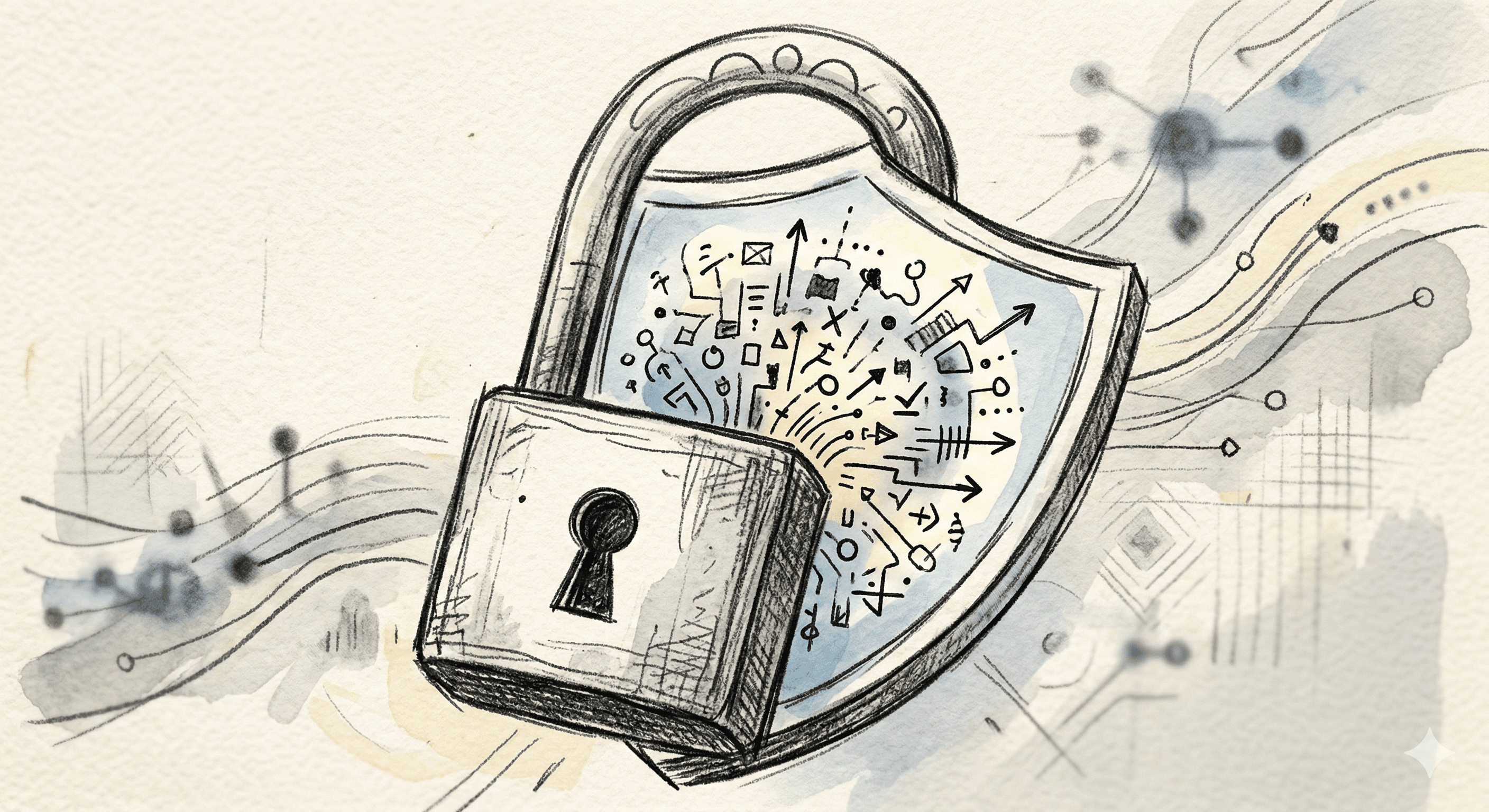
Private mode keeps chat and document inference on your machine. Your library is indexed locally. Switch to Cloud only when you choose — prompts and chat attachments then use NELA Cloud.
Open models, your way
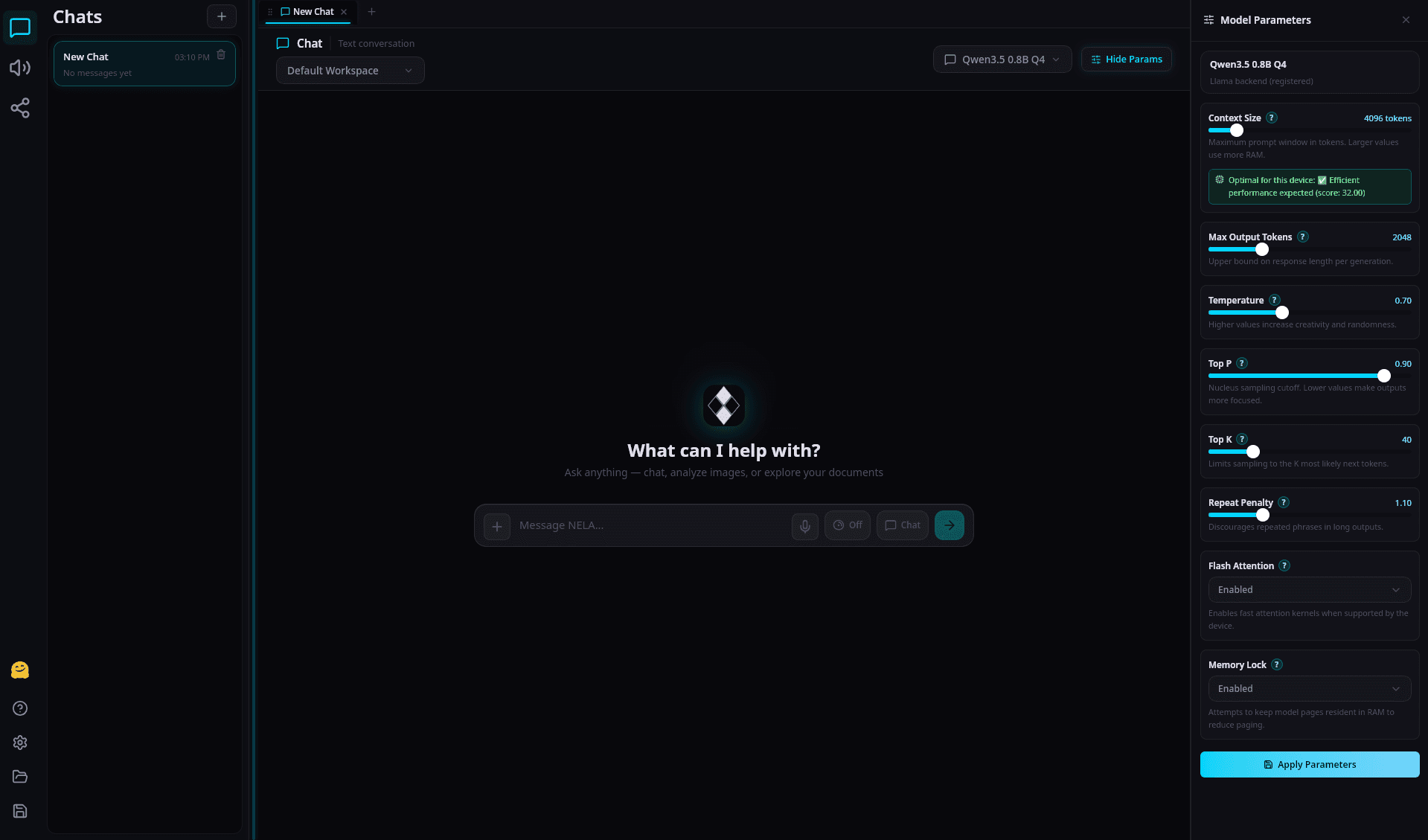
Load open-source GGUF models on-device, or use NELA Cloud Fast / Smart / Deep when you want hosted quality tiers without downloading a large local model.
Private or Cloud — you choose
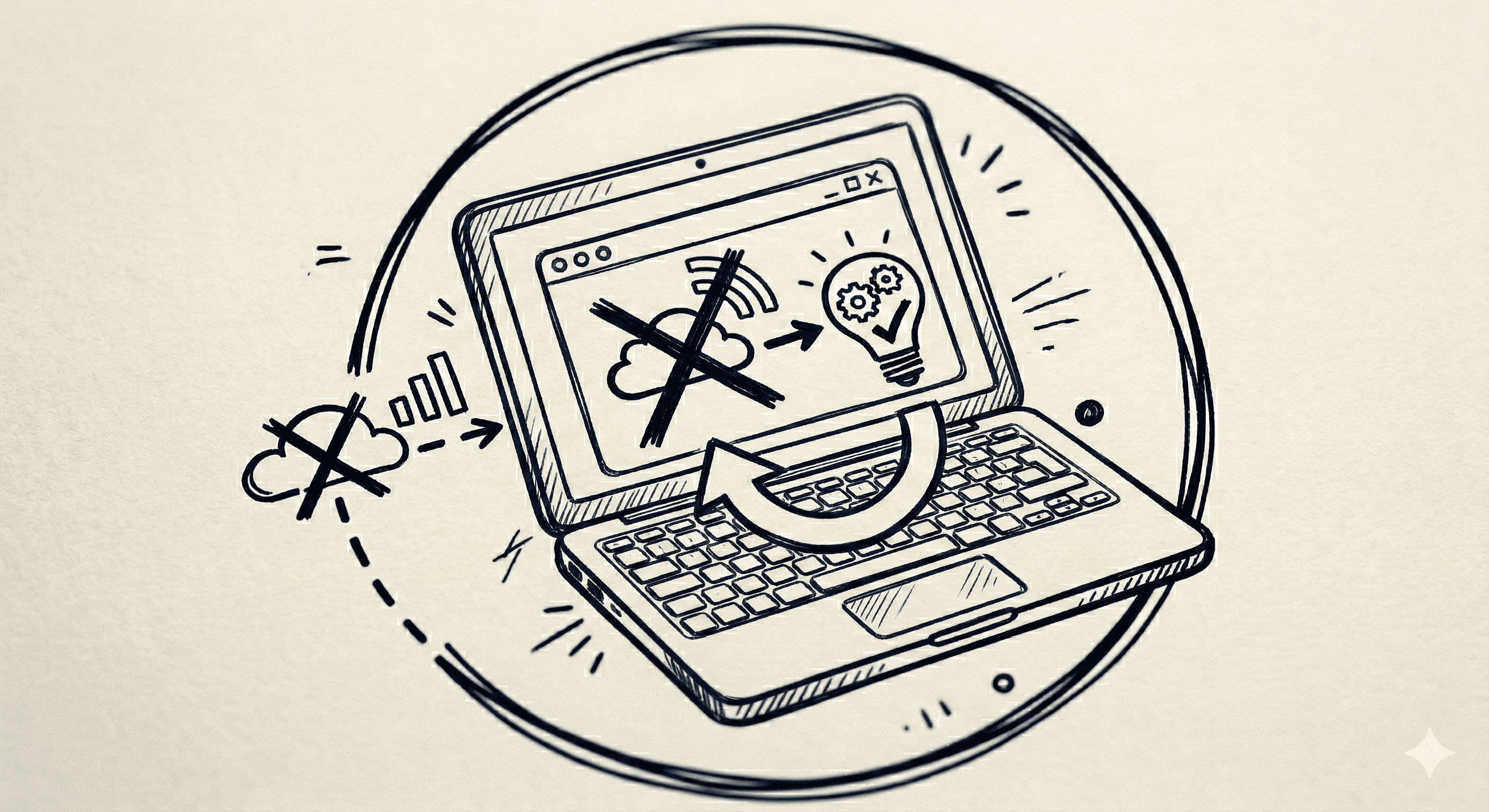
Work offline-capable in Private mode after models are installed. Sign in for optional NELA Cloud when you need internet-backed tiers, credits, and richer artifact generation.
Local models & NELA Cloud
Three simple steps to a local-first workspace — with optional Cloud when you need it.
STEP 01
Install NELA
Download the desktop app and load local GGUF models — or sign in later for optional NELA Cloud Fast / Smart / Deep.
Download NELALocal GGUFOptional Cloud
STEP 02
Add your data
Feed in PDFs, PowerPoints, Word docs, audio, and more. The document library indexes on this device; Cloud chat attachments are disclosed when you send them.
PDFsPPTsDocsAudioAny Format
STEP 03
Get intelligent responses
Chat, mindmaps, podcasts, and artifacts — powered by your local models in Private mode, or NELA Cloud when you switch.
Interactive ChatsMindmapsCloud tiers
STEP 01
Install NELA
Download the desktop app and load local GGUF models — or sign in later for optional NELA Cloud Fast / Smart / Deep.
Download NELALocal GGUFOptional Cloud
STEP 02
Add your data
Feed in PDFs, PowerPoints, Word docs, audio, and more. The document library indexes on this device; Cloud chat attachments are disclosed when you send them.
PDFsPPTsDocsAudioAny Format
STEP 03
Get intelligent responses
Chat, mindmaps, podcasts, and artifacts — powered by your local models in Private mode, or NELA Cloud when you switch.